Best Smart Wi-Fi EV Chargers With Scheduling (2026): 7 App-Controlled Level 2 Picks
Affiliate disclosure: RiderMojo may earn a commission from qualifying purchases, including as an Amazon Associate, at no extra cost to you.
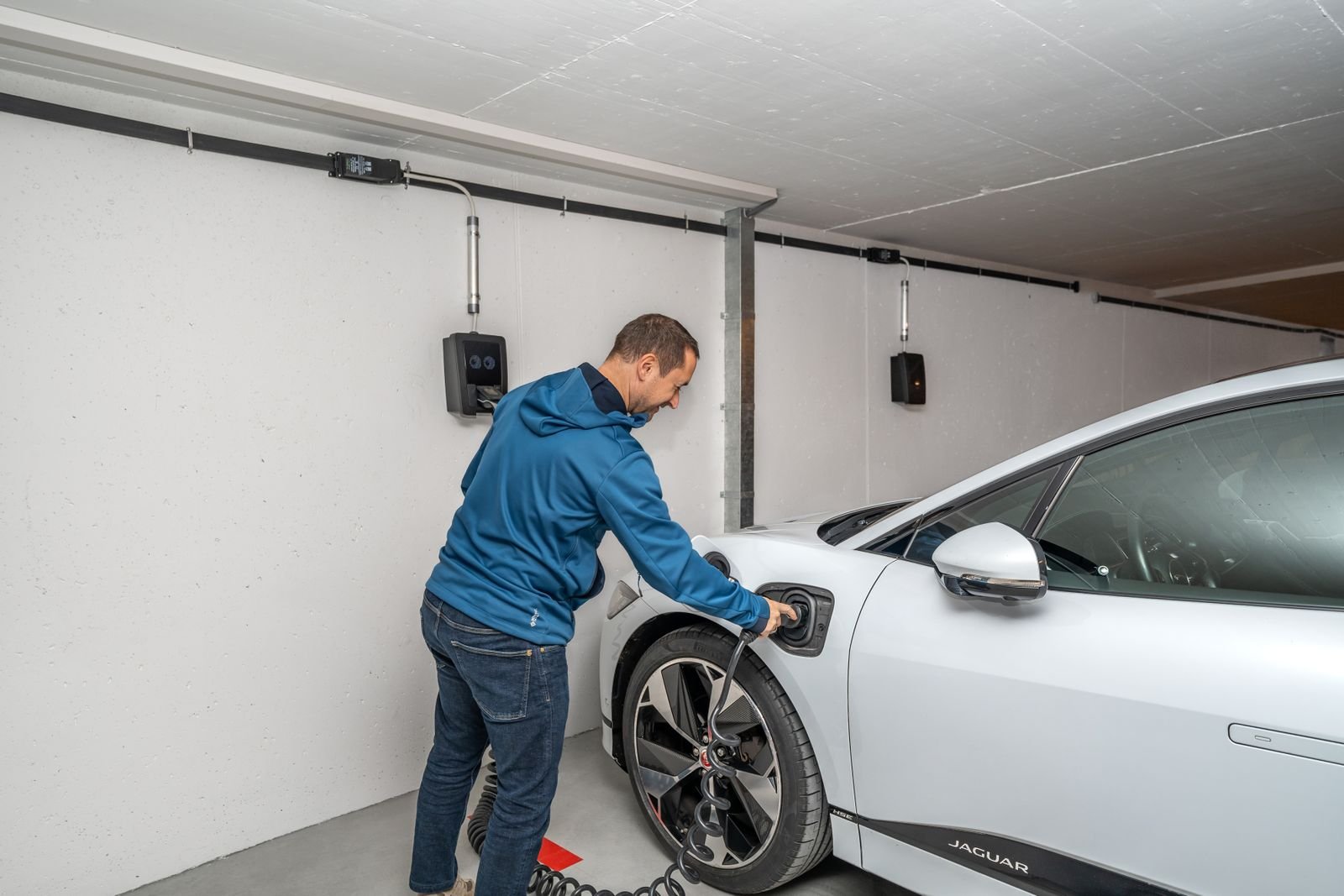
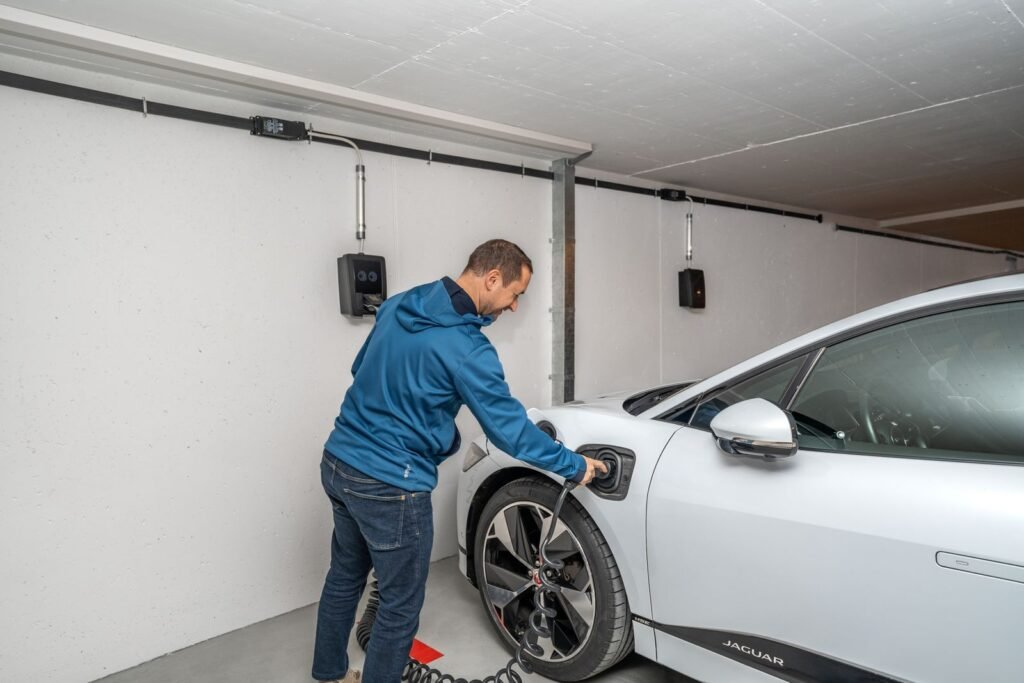
A Level 2 charger that just dumps power into your car the second you plug in is fine. A smart Wi-Fi charger is better, because it lets you decide when that power flows. You can schedule charging for cheap overnight hours, cap the amps so you do not trip a breaker, see exactly how many kilowatt-hours each session used, and turn charging on or off from your phone. If your utility offers a time-of-use or EV rate, scheduling alone can make a real dent in what you pay to drive.
I learned how much home charging adds up the hard way. For years I drove full time for Uber in a 2019 Nissan Leaf, more than 16,000 rides and about 200,000 miles. Electricity was cheap per mile (roughly $5 worth for about 250 miles of driving), but daily rideshare charging still added about $150 a month to our electric bill. When you charge that much, when you charge matters. We drive a Chevy Bolt now, and a charger that can follow a schedule and report its energy use is the kind I would buy today.
How we picked: every charger below has Wi-Fi app control and was listed and in stock on Amazon when we checked on November 23, 2026. Specs come from the live Amazon listings and the brands’ own descriptions. We have not installed or tested these specific chargers; this is a research-based comparison. For more charger guides, see our best Level 2 home EV chargers, best NEMA 14-50 chargers and best chargers for Chevy Bolt owners.
Watch the Quick Video Guide
Quick picks: best smart Wi-Fi EV chargers with scheduling
| Charger | Best for | Max output | Install | Smart extras | Link |
|---|---|---|---|---|---|
| Emporia Level 2 (48A) | Best value smart charger | 48A hardwired / 40A plug-in | NEMA 14-50 plug or hardwired | Scheduling, real-time energy data | Check price on Amazon |
| Wallbox Pulsar Plus 48A | Load management and solar | 48A | Hardwired | Wi-Fi + Bluetooth, Alexa/Google, Power Boost | Check price on Amazon |
| ChargePoint HomeFlex | Polished app and big network | Up to 50A (hardwired) | NEMA 14-50 plug or hardwired | Reminders, smart-home links, station finder | Check price on Amazon |
| Autel MaxiCharger 50A | Most connection options | 50A | Hardwired | Wi-Fi, Bluetooth and Ethernet; off-peak scheduling | Check price on Amazon |
| Grizzl-E Classic Connect | Rugged outdoor smart charger | 40A | NEMA 14-50 plug | Schedules, energy stats, charges offline | Check price on Amazon |
| Tesla Universal Wall Connector | Mixed Tesla and non-Tesla homes | 48A | Hardwired | NACS + J1772, power-share, OTA updates | Check price on Amazon |
| Lectron Level 2 (Wi-Fi Version) | Smart charging you can take with you | 40A | NEMA 14-50 plug (portable) | Scheduling and kWh limits in app | Check price on Amazon |
1. Emporia Level 2 EV Charger (48A): best value smart charger
Emporia’s charger is the one we would point most people to first, because it gets the smart basics right without extra subscriptions. It connects over 2.4 GHz Wi-Fi so you can see real-time energy data and manage charging from your phone, and Emporia specifically calls out scheduling sessions to take advantage of cheaper utility rates.
The plug-in version ships ready for a NEMA 14-50 outlet at up to 40 amps (Emporia lists up to 38 miles of range per hour), or it can be converted to hardwired for the full 48 amps (up to 46 miles per hour). It has a 25-foot cable and a J1772 connector, and Emporia lists it as UL listed and ENERGY STAR certified. Emporia also sells a separate hardwired-with-whip version and a NACS (Tesla-plug) version if you drive a newer Tesla-port car.
Key specs
- Max output: 48A hardwired, 40A on a NEMA 14-50 plug
- Connector: J1772 (NACS version sold separately)
- Cable: 25 ft
- Connectivity: 2.4 GHz Wi-Fi app with scheduling and energy data
- Certifications: UL listed, ENERGY STAR
- Warranty: listed as 2 years on the plug-in listing; check the listing you buy
Pros
- Scheduling and energy tracking built in
- Choose plug-in or hardwired install
- Full 48A when hardwired
- Long 25-ft cable
Cons
- Wi-Fi is 2.4 GHz only
- 40A cap on the plug-in setup
- App features depend on a stable garage Wi-Fi signal
Best for: Most homeowners who want time-of-use scheduling and kWh tracking without paying for premium extras.
2. Wallbox Pulsar Plus 48A: best for load management and solar
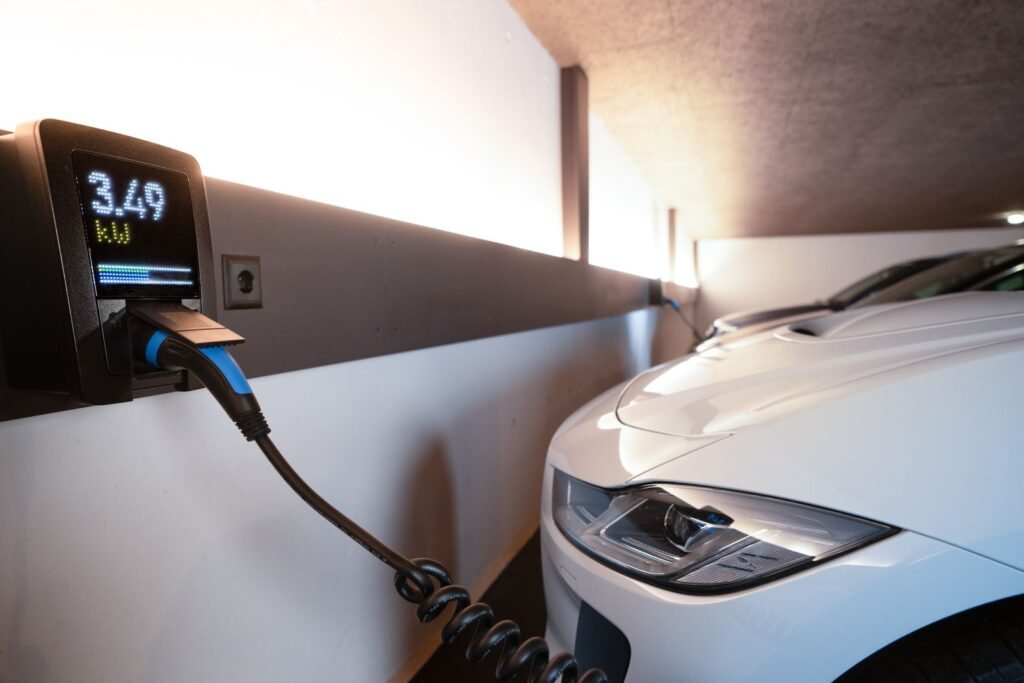
The Pulsar Plus is a compact charger with some of the deepest smart features here. Through the myWallbox app over Wi-Fi or Bluetooth you can monitor sessions in real time and schedule charging for cheaper utility hours, and it works with Alexa and Google Home voice control.
Its party trick is energy management. Add a Wallbox Power Meter (sold separately) and Power Boost adjusts charging in real time to stay within your home’s electrical capacity. With a Wallbox Smart Meter, Eco-Smart mode can charge on 100% solar or a solar-and-grid mix, and two or more Pulsar Plus units can share one circuit. This 48-amp model is hardwired, adjustable from 16 to 48 amps, NEMA Type 4 rated, assembled in the USA and backed by a 3-year warranty. Wallbox also sells a 40-amp plug-in version.
Key specs
- Max output: 48A (adjustable 16-48A)
- Install: hardwired
- Cable: 25 ft
- Connectivity: Wi-Fi and Bluetooth; Alexa and Google Home
- Energy features: Power Boost and Eco-Smart solar (meters sold separately), power sharing
- Enclosure: NEMA Type 4
- Warranty: 3 years
Pros
- Best load-management and solar options here
- Small footprint on the wall
- Voice-assistant support
- Power sharing for two-EV homes
Cons
- Power Boost and solar modes need extra meters
- Hardwired install only for 48A
- Listing showed limited stock when we checked
Best for: Homes with a tight electrical panel, rooftop solar, or two EVs sharing a circuit.
3. ChargePoint HomeFlex: best app and network brand
ChargePoint runs one of the biggest public charging networks in North America, and the HomeFlex uses the same ChargePoint app you would use to find public stations. The app lets you control the charger, manage reminders, connect to smart-home devices and see charging data, all in one place.
This NEMA 14-50 plug-in version works on a 40A or 50A circuit, while the hardwired version can be set as high as 50 amps (ChargePoint lists amperage settings from 16 to 50A). It has a 23-foot cold-resistant cable, a J1772 connector, UL certification and ENERGY STAR, and ChargePoint lists a 3-year parts warranty. ChargePoint says it can add up to 45 miles of range per hour, depending on the vehicle. Tesla drivers will need an adapter.
Key specs
- Max output: up to 50A hardwired; plug-in version needs a 40A or 50A circuit
- Install: NEMA 14-50 plug (hardwired version also sold)
- Cable: 23 ft, cold-resistant
- Connectivity: Wi-Fi with the ChargePoint app
- Certifications: UL, ENERGY STAR
- Warranty: 3-year parts
Pros
- Most polished, widely used charging app
- One app for home and public charging
- Flexible amperage settings
- Indoor or outdoor install
Cons
- Shorter cable than most here
- Hardwire needed for the full 50A
- Wi-Fi needed for some features and troubleshooting
Best for: Drivers who already use ChargePoint stations and want one app for everything.
4. Autel MaxiCharger 50A: most connection options
Autel built its name on automotive diagnostic tools, and the MaxiCharger AC Home is its home charger. The Autel Charge app lets you schedule charging while you are away and shift it to off-peak electricity. What sets it apart is connectivity: Bluetooth, Wi-Fi and Ethernet, so a weak garage Wi-Fi signal does not have to leave you offline. It also receives over-the-air firmware updates.
It is a hardwired charger rated up to 50 amps (12 kW) and adjustable from 16 to 50 amps. The 25-foot cable is rated to stay flexible down to -40°, the enclosure is NEMA Type 4 for indoor or outdoor use, and it is CSA certified with a 3-year warranty. Autel’s listing quotes 37 to 46 miles of range per hour, depending on the vehicle.
Key specs
- Max output: 50A / 12 kW (adjustable 16-50A)
- Install: hardwired
- Cable: 25 ft, cold-weather rated
- Connectivity: Wi-Fi, Bluetooth and Ethernet; OTA updates
- Enclosure: NEMA Type 4
- Certification: CSA
- Warranty: 3 years
Pros
- Ethernet backup for spotty garage Wi-Fi
- Highest output in this guide
- Off-peak scheduling in the app
- Built for cold winters
Cons
- Hardwired only (this version)
- Full 50A needs a large dedicated circuit (about 70A); ask your electrician
- Larger unit on the wall
Best for: Garages with weak Wi-Fi and drivers who want maximum home charging speed.
5. Grizzl-E Classic Connect: best rugged outdoor smart charger
Grizzl-E’s Classic is famous for its tank-like metal case, and the Classic Connect adds Wi-Fi smarts to that design. Grizzl-E Connect software gives you real-time monitoring, charging schedules, detailed energy statistics, updates and diagnostics. Just as important, Grizzl-E says it charges with or without an online connection, so a router outage will not leave you with a dead car in the morning.
It plugs into a NEMA 14-50 outlet and is adjustable from 16 to 40 amps depending on your breaker (40A on a 50A breaker, 32A on a 40A breaker and so on). Grizzl-E lists 28 to 30 miles of range per hour at 40A. It has a 25-foot cable, a NEMA 4X metal enclosure, built-in GFCI and a 3-year warranty, and it is made in Canada and UL tested and certified. One note: advanced OCPP features require a one-time activation fee.
Key specs
- Max output: 40A (adjustable 16-40A)
- Install: NEMA 14-50 plug
- Cable: 25 ft, J1772
- Connectivity: Wi-Fi with Grizzl-E Connect app; works offline
- Enclosure: NEMA 4X metal
- Warranty: 3 years
Pros
- Toughest enclosure here for driveways and carports
- Keeps charging if the Wi-Fi drops
- Simple plug-in install
- Clear breaker-based amp settings
Cons
- 40A maximum
- Premium OCPP features cost extra
- Metal case is bulkier than slim plastic units
Best for: Outdoor installs, cold climates and anyone who wants scheduling without depending on the cloud.
6. Tesla Universal Wall Connector: best for mixed Tesla and non-Tesla homes
As more automakers switch to Tesla’s NACS plug, a lot of driveways have one car of each type. Tesla’s Universal Wall Connector handles both: it has a NACS connector plus a built-in J1772 adapter, and Tesla says it works with all major North American EVs. It delivers up to 48 amps (11.5 kW), or up to 44 miles of range per hour depending on the car and breaker.
On the smart side, connecting it to Wi-Fi enables over-the-air firmware updates and remote access control through the app, and power-share can link up to six Wall Connectors to manage power when several cars charge at once. Output can be set from 12 to 48 amps for your circuit. It has a 24-foot cable and a 4-year residential warranty. Be aware that Tesla’s listing focuses on access control and power-share rather than charge scheduling; many drivers schedule from the car itself instead.
Key specs
- Max output: 48A / 11.5 kW (configurable 12-48A)
- Connectors: NACS plus built-in J1772
- Cable: 24 ft
- Connectivity: Wi-Fi for OTA updates and app access control
- Power-share: up to 6 units
- Warranty: 4 years residential
Pros
- Charges both NACS and J1772 cars with no loose adapter
- Longest warranty here
- Power-share for multi-EV homes
- Future-proof as more brands move to NACS
Cons
- Hardwired install required
- Fewer scheduling tools on the charger itself
- Best features favor Tesla owners
Best for: Households with a Tesla and a J1772 car, or anyone planning for a NACS future.
7. Lectron Level 2 (Wi-Fi Version): best portable smart charger
Not everyone can hardwire a charger. Renters, people who may move soon, and drivers who want one charger for home and the cabin can look at Lectron’s Wi-Fi portable. It plugs into a NEMA 14-50 outlet and charges at up to 40 amps (9.6 kW), and the Lectron app lets you watch charging in real time, schedule sessions and set how many kWh you want to add.
It has a 16-foot cord, a J1772 connector, an IP65 rating, and Lectron lists ENERGY STAR, ETL and FCC certification with a UL 2251-certified handle. It comes with a carrying case and a 2-year warranty. For more travel options, see our best portable EV chargers guide.
Key specs
- Max output: 40A / 9.6 kW
- Install: NEMA 14-50 plug, portable
- Cord: 16 ft
- Connectivity: Wi-Fi app with scheduling and kWh limits
- Rating: IP65
- Warranty: 2 years
Pros
- No electrician needed if you already have a 14-50 outlet
- Set a kWh target per session
- Moves with you
- Carrying case included
Cons
- Shortest cord here
- 40A max
- Not meant to be left hanging outdoors like a wall unit
Best for: Renters and anyone who wants smart scheduling without a permanent install.
Watch: a smart EV charger app walkthrough
Alex Sibila’s Emporia review walks through installation and the app, including how charging schedules and energy tracking look in daily use.
Buyer’s guide: choosing a smart charger that saves you money
1. Start with your utility rate
Scheduling only saves money if your electricity costs less at certain hours. Look up whether your utility offers a time-of-use plan or a special EV rate, and note the off-peak window. Some utilities also offer rebates or bill credits for ENERGY STAR or networked chargers, so check before you buy. Then set your charger (or your car) to start after the off-peak window opens.
2. Car schedule or charger schedule?
Most EVs, including our Bolt and our old Leaf, can schedule charging from the car itself. A smart charger is still useful because the schedule lives on the wall, not in one car, so it works for every vehicle and every driver in the house. It also tracks energy per session, which is handy if you expense charging for rideshare or business use.
3. Match amps to your circuit and your car
A charger can only deliver what your circuit and your car’s onboard charger allow. A 48A charger needs a 60A circuit and a hardwired install; a NEMA 14-50 plug-in is limited to 40A on a 50A circuit. If your car accepts only about 7 kW, a 40A charger will charge it just as fast as a 48A one. Every charger here lets you dial the amps down to suit your panel.
4. Check Wi-Fi before you mount it
Garages are often Wi-Fi dead zones. Test your signal where the charger will hang. If it is weak, add a mesh node or extender, or pick a charger with Ethernet (Autel) or one that keeps charging offline (Grizzl-E). Some chargers, like the Emporia, use 2.4 GHz Wi-Fi only.
5. Think about load management and solar
If your panel is nearly full, load management (like Wallbox Power Boost) can save you an expensive service upgrade by slowing charging when the house is using a lot of power. If you have solar, a charger that can follow solar output helps you use more of your own energy.
6. Safety and installation
Look for a UL, ETL or CSA safety listing (all of these have one) and hire a licensed electrician for any new circuit or hardwired install. Permits and code rules vary by city.
Smart EV charger FAQ
Does a smart charger charge my car faster?
No. Speed depends on the charger’s amps, your circuit and your car’s onboard charger. Smart features change when and how much you charge, not the top speed.
Will the charger stop working if my Wi-Fi goes down?
Most smart chargers keep charging as a basic Level 2 unit without Wi-Fi, but you may lose remote control and app data until it reconnects. Grizzl-E specifically says the Classic Connect charges with or without an online connection. Check each brand’s details if this matters to you.
Do I need a subscription for scheduling?
We did not see a subscription required for basic app control or scheduling on these listings. Some brands charge for advanced extras, such as Grizzl-E’s premium OCPP features, and Wallbox’s energy features need meters that are sold separately.
Can I use a J1772 smart charger with a Tesla?
Yes, with a J1772-to-Tesla adapter; Tesla includes one with its cars. The Tesla Universal Wall Connector skips the adapter by including both connectors, and Emporia sells a NACS version of its charger.
How much can scheduling save?
It depends entirely on your utility’s rate difference between peak and off-peak hours and how much you drive. For a high-mileage driver, like I was in rideshare, even a small per-kWh difference adds up over a month. Check your utility’s published rates to estimate it.
Bottom line
For most people, the Emporia 48A is the best mix of value and real smart features: scheduling, energy data and a choice of plug-in or hardwired install. Pick the Wallbox Pulsar Plus if you need load management or solar charging, ChargePoint HomeFlex if you want the most polished app, the Autel MaxiCharger if your garage Wi-Fi is weak, the Grizzl-E Classic Connect for a tough outdoor install that charges even offline, the Tesla Universal Wall Connector for a mixed NACS and J1772 household, and the Lectron Wi-Fi portable if you rent. Whatever you choose, set that schedule. Your electric bill will thank you.